QUITTR vs Covenant Eyes (2026): Honest Review and Comparison
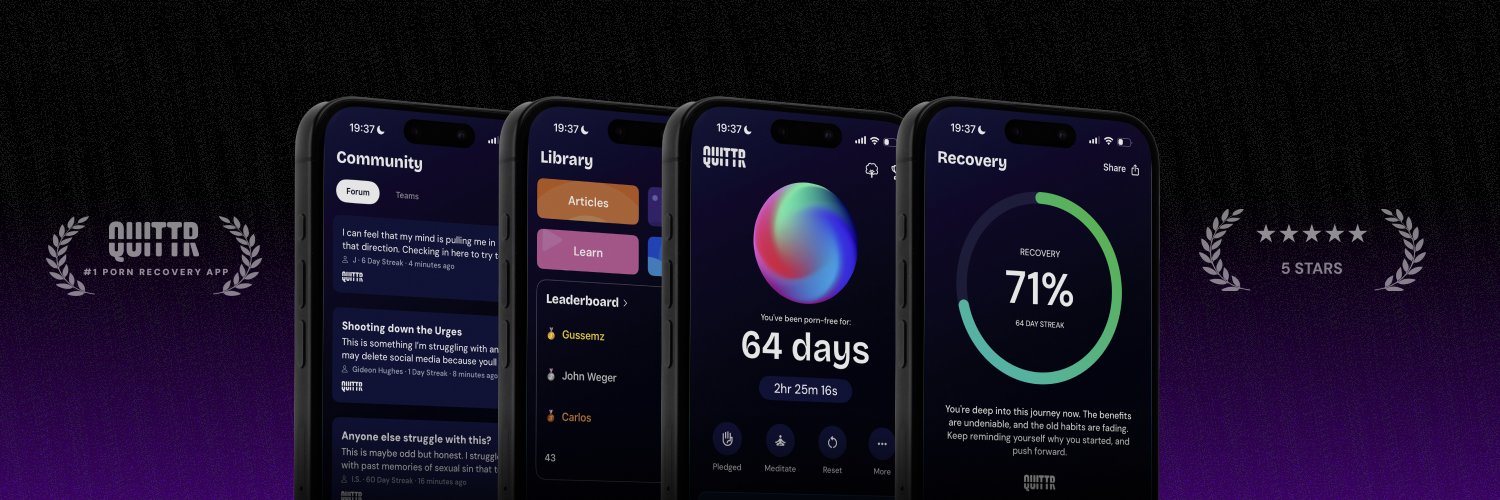
The short answer to QUITTR vs Covenant Eyes: pick QUITTR if you want to quit on your own terms, with a blocker, a Panic Button and a 24/7 AI therapist that help you in the minutes when an urge actually hits. Pick Covenant Eyes if you have a spouse, mentor or pastor willing to review blurred screenshots of your activity, or you need full screen monitoring on a Windows or Mac computer. Covenant Eyes is built around being seen. QUITTR is built around being equipped.
Below you'll get a full Covenant Eyes review with prices and store ratings checked in October 2026, what real users praise and complain about, a head-to-head table, the honest case for each app, and practical steps to switch or run both.
QUITTR vs Covenant Eyes: The Quick Verdict

These two apps solve the same problem in opposite ways.
Covenant Eyes works by showing. It takes periodic screenshots of your device, blurs them, flags likely explicit content and sends a report to an "ally" you choose. Its bet is that knowing someone will see your activity changes what you do.
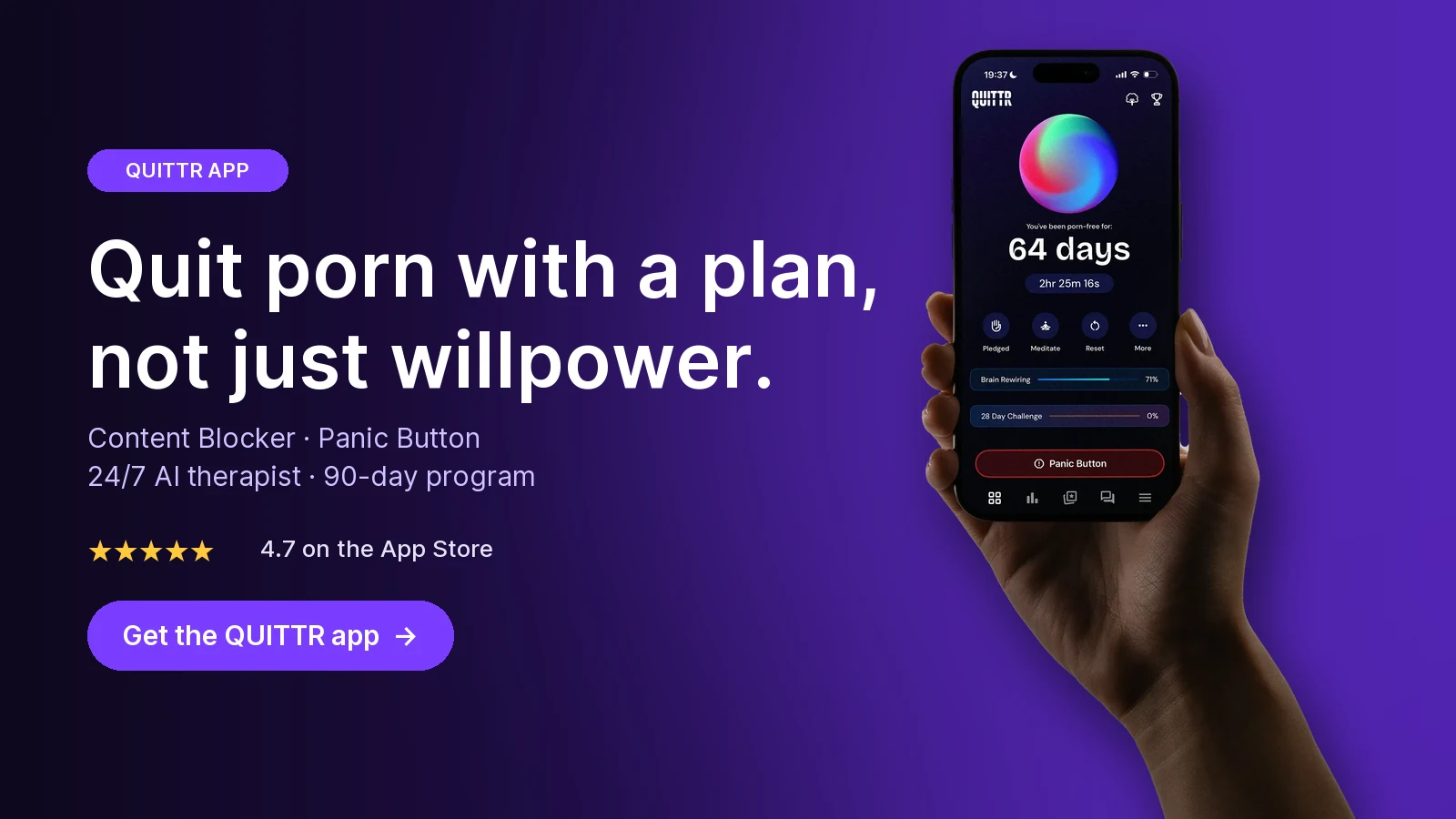
QUITTR works by intervening. It blocks porn, then gives you tools to break the urge itself: a Panic Button, an AI therapist called Melius, a CBT-based 90-day plan, streaks and an anonymous community.
Choose QUITTR if:
Your relapses happen fast, late at night, on autopilot, and you need help in that moment, not a report the next day.
You don't have a person you'd want reviewing your screen, or the idea of it fills you with shame.
Streaks, rewards and visible progress keep you going.
Choose Covenant Eyes if:
You have a trusted, engaged ally (spouse, mentor, pastor or friend) who will really read and discuss your reports.
You need monitoring across browsers and apps on a Windows or Mac computer.
You want a faith-based program. Covenant Eyes is openly built for Christians, with prayer in its community and courses for spouses and pastors.
We've reviewed Covenant Eyes on its own in our Covenant Eyes review. This page focuses on how it stacks up against QUITTR.
Covenant Eyes Review 2026: What It Is and How It Works

The company
Covenant Eyes was founded in 2000 by Ron DeHaas, who says he invented "Internet Accountability." Its first product was a Windows program. According to its corporate history, the company replaced URL tracking with image-detecting Screen Accountability in 2019, became 100% employee-owned in December 2020, and launched the mobile-first Victory app in 2022. Its privacy policy lists a mailing address in Owosso, Michigan.
The product is now sold as Victory by Covenant Eyes. Its Google Play listing markets it as the best solution for Christians looking to overcome porn and says the company has worked with more than 1.7 million people over 25 years. Those are the company's own figures.
How it works
Victory is two apps working together:
Victory is the "home app." You set commitments, do daily check-ins, take mini-courses, join the community and read activity reports.
Victory Shield is a monitoring utility you install on each device. According to How Victory Works, it "takes periodic screenshots and detects potentially explicit content," and it handles porn blocking.
You invite an ally. The ally installs Victory for free, creates their own login, and sees a report of your device activity, with alerts when concerning images are detected.
Screenshots are blurred. Covenant Eyes' privacy policy says screenshots are rated for explicit content on your device, then shrunk and blurred before upload. It says unblurred images are not sent unless you agree. The Victory page adds that screenshots are encrypted with AES 256-bit security and deleted after 30 days.
Key features
As of October 2026, based on Covenant Eyes' own pages and store listings:
Screen Accountability. Blurred screenshots plus alerts sent to your ally.
Porn blocking. Filters explicit domains across apps, with custom block and allow lists. It can also enforce YouTube Restricted Mode and device-wide Google and Bing SafeSearch.
Activity feed. Device usage tracking, accountability prompts and conversation guides (paid).
Check-ins and commitments (free).
Mini-courses. Counselor-reviewed courses for men, women, spouses, allies, parents and pastors (free).
Community. Sharing, prayer and encouragement "from real humans, never bots," per the Victory page (free).
Family coverage. Every plan covers unlimited devices for up to 10 people in one family.
Covenant Eyes also sells separate video programs, and the Victory App Store listing shows paid add-on courses.
Platforms and limits
The pricing page lists support for iOS 15.1+, Android 11+, Mac 11+ and Windows 10+. The current Victory Shield App Store listing requires iOS 17 or later, so check your device.
Coverage isn't the same everywhere:
iPhone and iPad: Screenshots are taken in Safari only. In other apps, it detects and can block likely explicit domains. Covenant Eyes recommends adding iOS Screen Time restrictions for full protection.
Android: It takes screenshots, including of text messages, which are blurred. It can't take screenshots in incognito or private browsing, but it notifies your ally when those modes are used. The Google Play listing says it uses Android's Accessibility Service, Device Administrator permission and a VPN service to work.
Windows and Mac: Runs in the background, takes screenshots and offers optional blocking.
Not supported: Chromebooks, Kindle devices, smart TVs, VR headsets and Linux.
Pricing, free trial and refunds (as of October 2026)
Covenant Eyes' web prices are $18 a month or $198 a year. The lifetime price differs between its own pages: $850 on the pricing page and $950 on the Victory page. Check at checkout.
Buying inside the iPhone apps costs more. The App Store lists "Covenant Eyes Plan" in-app purchases from $19.99 to $23.99, plus $219.99.
There's a 7-day free trial, which the Victory page describes as every feature included. Web purchases get a 30-day money-back guarantee: you cancel within 30 days and request a refund. The fine print says in-app purchases and reactivated accounts aren't eligible.
$18/mo — Monthly (web)
$198/yr — Yearly (web)
7 days — Free trial
4.3 ★ (60K) — Victory Shield, App Store
4.4 ★ (11.7K) — Victory Shield, Google Play
3.9 ★ (77) — Trustpilot
The companion Victory app rates higher: 4.7 from 1.4K ratings on the App Store and 4.7 from 2.09K reviews on Google Play. Victory Shield shows 500K+ downloads on Google Play.
Privacy and data
Covenant Eyes is a monitoring product, so what it collects matters:
App Store privacy labels. Victory Shield lists browsing history and user ID as data linked to you. No "used to track you" section appears.
Google Play data safety. The data safety page says no data is shared with other companies. It lists collection of name, email, phone number, user IDs, device IDs, installed apps and app interactions. Some of it is listed for advertising or marketing purposes. Data is encrypted in transit, and you can request deletion.
Blur limits. The privacy policy says blurring makes text illegible "in many, but not all cases." It also says images used internally may help improve its AI, without being tied to your name or account. The policy was last updated August 28, 2021.
There's also a history to know about. In September 2022, after WIRED raised questions, Google suspended Covenant Eyes from Google Play over its use of Android accessibility permissions, the Christian Post reported. A company spokesperson responded that spying on people is "damaging and counterproductive." He said its policies ban monitoring anyone without their authorization. The app is back on Google Play today, last updated August 12, 2026.
What Real Users Say About Covenant Eyes

We read the reviews visible on the App Store, Google Play and Trustpilot in October 2026. Below is a summary in our own words. Reviews are individual experiences, not tests. We couldn't access Reddit threads directly, so we haven't summarized Reddit here.
Recurring praise
It helps people who use it with a real ally. One long-time App Store reviewer credits it with more than a year of sobriety. Another describes using it with a pastor as their ally.
Peace of mind for families. Parents on Trustpilot say they value the accountability it gives them on their kids' devices.
Helpful support. Several Trustpilot reviewers describe customer support as quick and polite.
The free community. Victory app reviewers mention the encouragement and prayer features, even on the free tier.
Recurring complaints
iPhone gaps. Reviewers complain that it pushes them into Safari, and that screenshots don't come as often as they expected. In one reply, the developer pointed to iPhone restrictions on what can be monitored.
Connection and VPN glitches. On Google Play, users describe sites and apps failing to load until they toggle the VPN. One parent said a Private DNS error forced them to remove it from a child's school laptop.
Inconsistent capture. One Android reviewer says screenshots stopped on mobile data and offline.
False alerts and over-blocking. Trustpilot users mention harmless images getting flagged, and one App Store reviewer says it blocks too much.
Price and cancellation. Complaints include annual billing charged upfront, refund trouble, and no in-app way to cancel. One Google Play reviewer says they had to send several emails.
Ally experience. One reviewer found it hard to review an ally's activity and unclear how to get struggle alerts.
The Trustpilot split says a lot: 43% of reviews are 5-star and 40% are 1-star, with little in between. People either love the model or end up fighting it.
Ready to quit with a plan? Download QUITTR for iPhone or Android → · See how the app works
Head-to-Head: QUITTR vs Covenant Eyes

This table uses Covenant Eyes' official pages and store listings (checked October 2026) and QUITTR's own published features.
Core model
QUITTR: Active intervention: blocking plus tools to break urges
Covenant Eyes: Transparency: blurred screenshots and reports to an ally
In-the-moment urge help
QUITTR: Panic Button with breathing, distractions and motivation
Covenant Eyes: Not listed; your ally gets alerts
AI support
QUITTR: Melius AI therapist, 24/7
Covenant Eyes: AI detects explicit images; no AI chat listed
Content blocking
QUITTR: Built-in blocker for sites, risky searches, porn URLs and ads
Covenant Eyes: Domain blocking, custom lists, forced SafeSearch and YouTube Restricted Mode
Screen monitoring
QUITTR: Not part of QUITTR's feature set
Covenant Eyes: Periodic blurred screenshots (Safari only on iPhone)
Structured program
QUITTR: Personalized 90-day plan, 30-day challenge, CBT principles
Covenant Eyes: Free counselor-reviewed mini-courses
Motivation
QUITTR: Streaks, Life Tree, QuitCoins, orbs, mini-games
Covenant Eyes: Commitments and daily check-ins
Community
QUITTR: Anonymous forum, clans, challenges, leaderboards
Covenant Eyes: Faith-based community for sharing and prayer
Accountability partner
QUITTR: Anonymous community and clans
Covenant Eyes: Dedicated free ally accounts with activity reports
Platforms
QUITTR: iOS, Android, Chrome extension
Covenant Eyes: iOS, Android, Mac, Windows
Family use
QUITTR: Individual recovery app
Covenant Eyes: Up to 10 people, unlimited devices
Store ratings
QUITTR: 4.7 App Store / 4.5 Google Play (according to QUITTR)
Covenant Eyes: Victory Shield: 4.3 App Store / 4.4 Google Play
Pricing compared (as of October 2026)
Free option
QUITTR: No free tier
Covenant Eyes: Free Victory app basics; no blocking or monitoring
Trial
QUITTR: Check the app
Covenant Eyes: 7-day free trial
Monthly
QUITTR: About $9.99–$14.99/month, depending on plan and discounts
Covenant Eyes: $18/month on the web; higher in the App Store
Annual
QUITTR: Available; check the app for current pricing
Covenant Eyes: $198/year on the web; $219.99 listed in the App Store
Lifetime
QUITTR: Available; check the app for current pricing
Covenant Eyes: $850 or $950, depending on which official page you read
Refunds
QUITTR: Check your store's refund policy
Covenant Eyes: 30-day money-back on web purchases only
For one person, QUITTR's monthly price is lower than Covenant Eyes' $18. For a family protecting several people's devices, Covenant Eyes' 10-user plan can work out cheaper per person.
Why QUITTR Is the Better Choice for Most People Trying to Quit

Covenant Eyes answers one question well: did something happen? Most people trying to quit are stuck on a different question: what do I do right now, at 1 a.m., when the urge is here? That's where QUITTR's design wins.
1. Help arrives during the urge, not after it
With Covenant Eyes, the main event is the report. Your ally sees flagged activity and the two of you talk about it, often after the relapse already happened.
QUITTR acts in the moment. The Panic Button launches a quick sequence of distractions, breathing exercises and motivational messages to break autopilot. QUITTR recommends it for HALT moments, when you're Hungry, Angry, Lonely or Tired. Melius, QUITTR's AI therapist, is available 24/7 to help you name the trigger and get through it, or to regroup after a slip.
2. You don't have to hand your screen to someone else
Accountability can be powerful, but it depends on having the right person. Covenant Eyes' own spokesperson said accountability should be a voluntary choice between peers, because power imbalances increase shame.
That matters. In a study of 177 people seeking treatment for pornography use, shame-proneness was linked to more hypersexual behavior. Guilt-proneness (feeling bad about the action, not about yourself) was linked to motivation to change. It's a correlational study, so it doesn't prove that monitoring backfires. But it's a good reason to pick a recovery setup that doesn't make you feel watched.
QUITTR's published features include no screen monitoring and no reports to another person. Melius is private, and the community is anonymous. You still get accountability through daily check-ins, challenges and private clans, without anyone seeing your screen.
3. Blocking plus a plan, not blocking plus a report
Both apps block porn. QUITTR's Content Blocker filters adult websites, risky search terms, porn URLs and inappropriate ads, and integrates with your phone's system to block adult content across browsers. Covenant Eyes also blocks explicit domains across apps, so on blocking alone the two are close. The difference is what comes next.
Covenant Eyes adds a report. QUITTR adds a reason to stay: a personalized 90-day plan built from an onboarding quiz, using CBT principles like goal-setting, positive reinforcement and structured daily exercises. Covenant Eyes' free mini-courses are useful. But it's a monitoring tool with learning added, not a day-by-day program.
4. Progress you can see
Quitting is mostly a long string of ordinary days. QUITTR makes them visible: a real-time streak tracker, a Life Tree that grows as your streak does, QuitCoins for lessons and quizzes, and orbs that unlock over time. Covenant Eyes tracks commitments and check-ins, but its main feedback is the activity report your ally reads.
“I didn’t think I could ever break free from porn—but QUITTR’s content blocker gave me the tools to regain control. The sense of achievement and freedom I feel today is beyond words.” — Daniel Franklin
When Covenant Eyes is the better fit
Being honest about this makes the choice easier:
You have a committed ally and want transparency. If your spouse or mentor will actually review reports and talk with you, Covenant Eyes' ally system is more developed than anything QUITTR offers. The positive reviews we read tend to describe an active ally.
Your struggle is mainly on a computer. Covenant Eyes runs on Windows and Mac with screenshots and blocking. QUITTR covers desktop only through its Chrome extension.
You're protecting a whole family. One Covenant Eyes plan covers up to 10 people. QUITTR is built for one person's recovery.
Not convinced by either? Our roundups of Covenant Eyes alternatives and Canopy vs Covenant Eyes cover more options.
How to Switch From Covenant Eyes (or Use Both)

Switching from Covenant Eyes to QUITTR
Tell your ally first. Removing a monitoring app without warning can look like hiding something. Explain why you're switching and what you'll use instead.
Time your cancellation. If you bought on the web within the last 30 days, you may qualify for Covenant Eyes' money-back guarantee. If you subscribed in the App Store or Google Play, manage the subscription there.
Install QUITTR and do the onboarding quiz so your 90-day plan matches your patterns.
Turn on the Content Blocker before you uninstall Victory Shield, so you're never unprotected.
Uninstall Victory Shield from each device. Then test a known adult domain on Wi-Fi and on mobile data.
Rebuild accountability your way. Join a clan, do the daily check-in, or keep a friend updated on your streak.
Using both
Some people get the best of both: Covenant Eyes for transparency with a spouse or mentor, and QUITTR for daily structure and urge help.
Give each app a job. Covenant Eyes handles reports. QUITTR handles the moment of an urge and your daily routine.
Use one main filter per phone. Covenant Eyes' Android app uses a VPN service, and its reviewers report VPN and Private DNS conflicts. If sites break after adding a second filter, keep one filter on and use the other app for its non-blocking features.
Lock down the phone itself. Covenant Eyes recommends pairing its iPhone app with iOS Screen Time restrictions. Our guide on how to block porn on iPhone and Android walks through the settings.
Troubleshooting
Pages won't load after setup. Toggle one filter off, test, then turn it back on. Don't stack two VPN-based blockers.
You keep deleting apps in weak moments. Have someone else set your Screen Time passcode on iPhone.
Monitoring makes you more anxious, not less. Talk to your ally about it, or switch to a model that works without monitoring. Shame is a poor fuel for change, as the research above suggests.
Nothing is working. Apps are structure, not treatment. A 2022 review of 170 porn-recovery apps found none cited direct evidence that the app itself works. If porn use is hurting your life, see a professional. Our guide to finding a porn addiction therapist explains how.
Key takeaways
Covenant Eyes is a transparency tool: blurred screenshots, porn blocking and reports to an ally, for $18/month or $198/year on its website as of October 2026.
Its biggest limits are Safari-only screenshots on iPhone, no screenshots in incognito on Android, and user complaints about VPN glitches, false alerts and cancellation.
QUITTR is an intervention tool: Content Blocker, Panic Button, Melius AI therapist, a CBT-based 90-day plan and an anonymous community, with no screen monitoring.
Covenant Eyes fits best with a committed ally, heavy computer use or a whole family to protect. For most people quitting on their own, QUITTR fits better.
Neither app has independent proof that it works; pair either with a real person and, if needed, a therapist.
How QUITTR Can Help
If Covenant Eyes felt like being watched when what you needed was help, QUITTR takes the other approach. Its Content Blocker filters adult sites, risky search terms, porn URLs and ads across your phone's browsers. When an urge hits, the Panic Button starts breathing exercises, distractions and motivational messages, and Melius, the AI therapist, is there 24/7 to help you through it or back on track after a slip.
A personalized 90-day plan, a streak tracker with a growing Life Tree, and an anonymous community with private clans keep you moving without anyone reviewing your screen. QUITTR is subscription-based (about $9.99–$14.99 a month; check the app for current pricing) and runs on iOS, Android and Chrome. Download QUITTR to start your plan.
“I tried everything to quit, but nothing stuck. Then I found QUITTR. The blocker plus the daily motivation helped me stay clean—and for the first time, I actually believe in myself again.” — Lewis Taggart
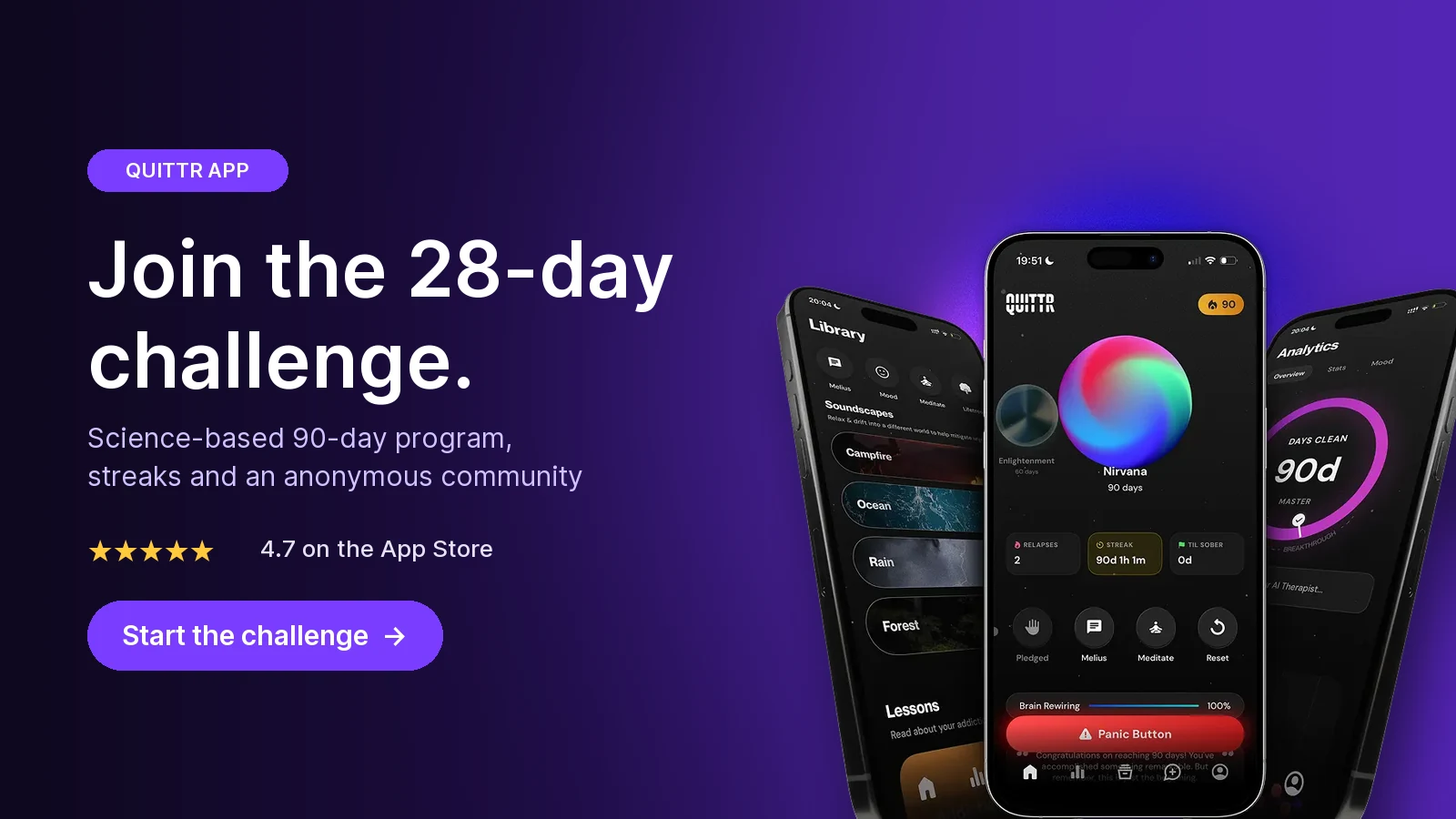
Join the 28-day challenge. Get QUITTR on the App Store or Google Play → · Learn more about QUITTR
Related articles
QUITTR vs Canopy (2026): Canopy Review and Honest Comparison
QUITTR vs Ever Accountable (2026): Honest Review and Verdict
Canopy vs Covenant Eyes (2026): Which Porn Blocker App Wins?
Frequently Asked Questions
Is Covenant Eyes free?
Not really. The Victory app has free check-ins, mini-courses and a community, but blocking, Screen Accountability and ally reports need a paid plan. As of October 2026 that's $18 a month or $198 a year on Covenant Eyes' website, with a 7-day free trial and a 30-day money-back guarantee on web purchases (not on in-app purchases).
Can Covenant Eyes see incognito mode?
Partly. On Android, Covenant Eyes says it can't take screenshots in incognito or private browsing, but it notifies your ally when those modes are used. On iPhone, screenshots work in Safari only, though it reports likely explicit domains from any app, including private or hidden browsers.
Is QUITTR better than Covenant Eyes?
For most people trying to quit on their own, yes, because QUITTR gives you tools for the moment of an urge (Panic Button, Melius AI therapist) plus a blocker and a structured 90-day plan. Covenant Eyes is the better fit if you have a trusted ally who will actually review your activity, or you need full screen monitoring on a Windows or Mac computer.
Is Covenant Eyes worth it in 2026?
It can be, if you have an engaged ally and you mainly need transparency. Many reviewers credit it with real progress. Common complaints are the price, iPhone limits, VPN and connection glitches, false alerts and a hard cancellation process, so use the 7-day trial and read the refund terms before paying.
Does Covenant Eyes work on iPhone?
Yes, with limits. On iOS, Covenant Eyes takes screenshots only in Safari. For other apps it detects and can block likely explicit domains. Covenant Eyes itself recommends pairing it with iOS Screen Time restrictions for full protection.
Can I use QUITTR and Covenant Eyes together?
Yes. Some people keep Covenant Eyes for transparency with a spouse or mentor and use QUITTR for daily structure and in-the-moment urge help. Just don't run two system-level filters on one phone without testing, since filters that use VPN or DNS settings can conflict.