Accountable2You vs Covenant Eyes (2026): Which Is Better?
Accountable2You vs Covenant Eyes comes down to one question: do you want a log or a picture? Accountable2You is the cheaper, lighter option. It records page titles and app use, alerts your partner, runs on Linux and Chromebook, and never blocks anything. Covenant Eyes costs more but sends blurred screenshots, blocks explicit sites, and covers a whole family on one plan.
Below you'll get prices checked on both official sites in October 2026, a feature-by-feature table, what each app can actually see on iPhone and Android, the privacy fine print, what real users complain about, and a clear "who should pick which" guide. At the end, we look at a third option for people who don't want monitoring at all.
Accountable2You vs Covenant Eyes: The Short Verdict

Both apps are accountability software. You install them on your own devices, choose one or more partners, and those partners see a report of your activity. Neither one is designed to stop you in the moment. They work by making your activity visible to someone you trust.
Where they split:
Accountable2You is a pure monitor. Its features page says it monitors digital activity "without blocking content." Reports show full web page titles with color-coded ratings, not screenshots.
Covenant Eyes, now sold as Victory by Covenant Eyes, is a monitor plus a filter. According to How Victory Works, its Victory Shield utility takes periodic screenshots, detects likely explicit content and handles porn blocking.
Here's the head-to-head, based on each company's official pages and store listings as of October 2026.
How it reports
Accountable2You: Logs of page titles and app use, rated green, yellow or red
Covenant Eyes: Periodic blurred screenshots plus explicit-content alerts
Blocking
Accountable2You: None by design
Covenant Eyes: Explicit domains in any app, custom block and allow lists
Partners
Accountable2You: Unlimited; each can get alerts only or full reports
Covenant Eyes: Free "ally" accounts in the Victory app
Lowest monthly price (web)
Accountable2You: $11/month, Personal plan
Covenant Eyes: $18/month
Yearly price (web)
Accountable2You: $121/year (Personal)
Covenant Eyes: $198/year
Who's covered
Accountable2You: Up to 6 installs (Personal) or 20 (Family)
Covenant Eyes: Unlimited devices, up to 10 people
Free trial
Accountable2You: 10 days
Covenant Eyes: 7 days
Linux and Chromebook
Accountable2You: Both supported
Covenant Eyes: Neither supported
iPhone coverage
Accountable2You: Any browser, but not inside non-browser apps
Covenant Eyes: Screenshots in Safari only; explicit domains flagged elsewhere
Faith focus
Accountable2You: Encourages "purity and integrity online"
Covenant Eyes: Openly Christian, prayer in its community
If you just want the bottom line: Accountable2You is the better deal for one person, Linux users and Chromebook households. Covenant Eyes is the stronger tool if you want screenshots and blocking in one app, or you're covering a large family.
How Each App Works

Accountable2You: activity logs, no screenshots, no blocking
Accountable2You runs quietly in the background and builds an activity log. Its reports help article lists what partners can see on each platform: website titles in major browsers, incognito and private browsing, tampering and uninstall attempts, app usage, YouTube and some social media.
The main tools, per its features page:
Instant alerts for highly questionable activity, plus hourly email alerts for other questionable content.
Partner settings. Each partner can receive alerts only or full activity reports.
Trigger words. You add words that flag temptations unique to you or your family.
Curfews. You can get notified when a device is used outside set hours.
App exclusions. You can exclude sensitive apps like banking or messaging for privacy.
There's no blocking. That's a deliberate choice: the idea is that you stay honest because your partner sees everything, not because a filter stops you. The flip side is that nothing stands between you and the first click.
On Android, it can go further. The standard Google Play version reports some call and text information. An "enhanced" version, free on request from support, adds contact names and the full content of sent and received SMS messages, according to the same help article.
Covenant Eyes: blurred screenshots plus a filter
Covenant Eyes has been in this space since 2000, according to its Google Play listing, which also says it has worked with more than 1.7 million people (the company's own figure).
It's two apps:
Victory is the home app for check-ins, mini-courses, a faith-based community and reading activity reports. Allies get it for free.
Victory Shield is the monitoring utility on each device. It captures screenshots, blurs them and makes them available to your ally. The Victory page says screenshots are blurred, distorted and encrypted with AES 256-bit security.
The blocking side filters explicit domains in any app, with custom block and allow lists. The Play listing says it can also enforce YouTube Restricted Mode and device-wide Google and Bing SafeSearch.
Our full Covenant Eyes review goes deeper into the Victory app and its courses.
Platforms: Windows, Mac, Linux, Chromebook
This is where Accountable2You clearly wins. Its pricing page lists Windows, Mac, Android, iOS, Chromebook and Linux on every plan.
Covenant Eyes lists iOS 15.1+, Android 11+, Mac 11+ and Windows 10+ on its pricing page. It says Screen Accountability isn't available on Chromebooks, Kindle Fires or smart TVs, and it doesn't list Linux at all. Check your iPhone, too: the current Victory Shield App Store listing requires iOS 17 or later, which is newer than the pricing page suggests.
Windows and Mac
Accountable2You: Website titles, incognito, app use, YouTube, some social media
Covenant Eyes: Background screenshots and optional blocking
Linux
Accountable2You: Supported
Covenant Eyes: Not listed
Chromebook
Accountable2You: Chrome browser only, via an extension; disabling it is reported
Covenant Eyes: Screen Accountability not available
Android
Accountable2You: Websites, incognito, apps, YouTube, some calls and texts
Covenant Eyes: Screenshots, including blurred texts; no screenshots in incognito
iPhone and iPad
Accountable2You: Any browser; limited app usage
Covenant Eyes: Screenshots in Safari only; explicit domains flagged elsewhere
Accountable2You's Chromebook coverage is narrower than it sounds. Its help article says Chromebook reports cover website titles in the Chrome browser and default Chrome apps, without YouTube or social media.
Accountable2You vs Covenant Eyes Price (October 2026)
All web prices below were checked on each official site on October 17, 2026.
Number — Plan
--- — ---
$11/mo — Accountable2You Personal
$16/mo — Accountable2You Family
$18/mo — Covenant Eyes (up to 10 people)
$121/yr — Accountable2You Personal, yearly
$176/yr — Accountable2You Family, yearly
$198/yr — Covenant Eyes, yearly
Accountable2You. The pricing page lists Personal at $11 a month or $121 a year, for up to 6 active installs with unlimited partners. Family is $16 a month or $176 a year for up to 20 active installs, with parent and child accounts. There's a 10-day free trial. The page doesn't mention a money-back guarantee, but it says you can cancel anytime from your account's billing settings.
Covenant Eyes. The pricing page lists $18 a month, $198 a year or an $850 lifetime plan, all covering unlimited devices for up to 10 people in one family. The Victory page shows the same monthly and yearly prices but lists lifetime at $950, so check at checkout. Both pages mention a 30-day money-back guarantee. The Victory page and Play listing describe a 7-day free trial.
Don't buy inside the app
Both companies charge more through Apple. The Accountable2You App Store listing shows a Personal (Monthly) in-app purchase at $14.99, versus $11 on the web. The Victory Shield listing shows "Covenant Eyes Plan" purchases from $19.99 to $23.99, plus $219.99. Covenant Eyes' FAQ says its $18 price applies to its web checkout.
What it costs per person
For one person, Accountable2You is $77 a year cheaper on annual plans ($121 vs $198).
For a family, count devices. Accountable2You Family caps you at 20 installs for $176 a year. Covenant Eyes covers unlimited devices for up to 10 people for $198. A big household with tablets and school laptops can outgrow 20 installs, which is where Covenant Eyes makes more sense.
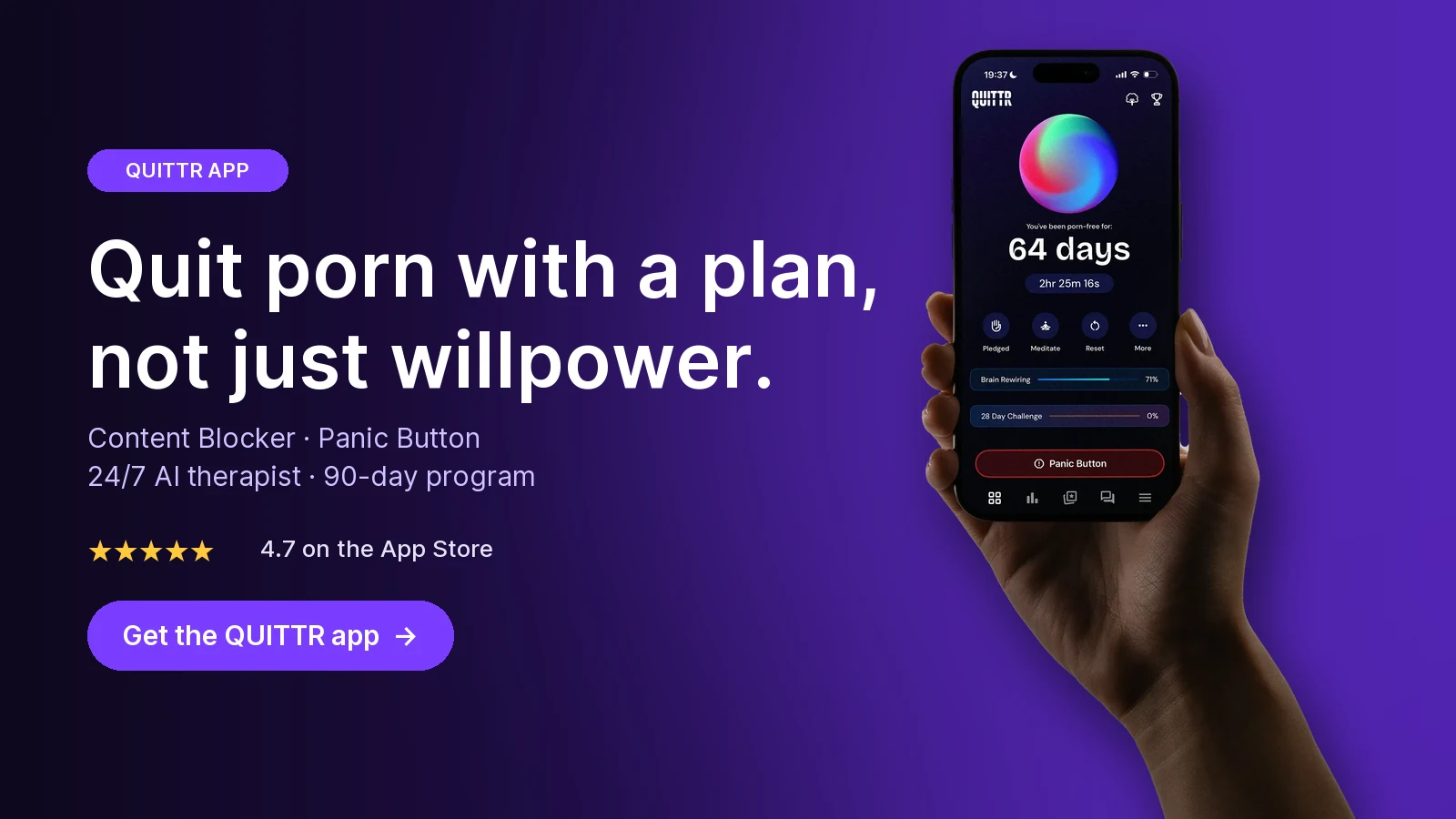
Ready to quit with a plan? Download QUITTR for iPhone or Android → · See how the app works
iPhone vs Android: What Each App Can Really See

Most reviews skip this, but it matters more than any feature list. Apple restricts what one app can see inside another, while Android allows much more in exchange for big permissions. So both apps are weaker on iPhone.
On iPhone and iPad
Accountable2You uses a VPN to log browsing. Its iOS page says it records activity "in Safari, Chrome, or any browser you use," with page titles rather than bare URLs. But it also says that due to iOS limits it "cannot reliably monitor activity inside non-browser apps," naming Facebook, Instagram and TikTok. Its help article says social media is covered "in browser only," and reports may show an "Apple Restriction" note where activity can't be recorded.
Covenant Eyes takes screenshots in Safari only. For other browsers and apps, How Victory Works says Victory Shield detects and can block likely explicit domain names. It doesn't screenshot text messages on iPhone.
What this means in practice:
If your risk is Safari, Covenant Eyes gives your ally more (actual blurred images).
If you use Chrome or another browser, Accountable2You logs it by page title. Covenant Eyes only flags and blocks explicit domains there.
If your risk is social apps, neither app sees much inside them. Both companies point you to iOS Screen Time. Block the apps, block new app installs, and let your partner set the passcode. Our guide to blocking porn on iPhone and Android has the exact settings.
On Android
Android is where both apps work best, and where they ask for the most access.
Accountable2You's Google Play listing says it uses the Accessibility permission to record activity, including the name and title of apps used, even while the app is closed. It shows a persistent notification while active. It uses the Device Administrator permission to detect and report when the app is disabled or uninstalled.
Covenant Eyes' Google Play listing discloses the Accessibility Service (for features like app lock), Device Administrator permission, and a VPN service that filters explicit content. Its screenshots include text messages, blurred to obscure the words. But it can't take screenshots in incognito or private browsing. It notifies your ally when those modes are used instead.
Accountable2You's help article lists incognito and private browsing as covered on every platform it supports, Android included, so a private tab doesn't create a blind spot the way it does for Covenant Eyes' screenshots.
Privacy: What Each Company Collects

Both collect the most sensitive data on your phone. That's the point. The differences are retention and what partners see.
Accountable2You. Its privacy policy says activity data is kept for a maximum of 15 days for your review, then automatically purged. It says it won't share personal data with any third party, "including data brokers and targeted advertisers," and that you can ask for your data to be deleted at any time. The policy describes "reasonable security measures" but doesn't spell out encryption, and it was last updated October 7, 2022.
Its App Store privacy labels list coarse location, contact info, browsing history, identifiers, usage and diagnostics as data linked to you, used for app functionality. Google Play's data safety section says no data is shared with third parties and data is encrypted in transit.
Covenant Eyes. It sends blurred screenshots, encrypted with AES 256-bit security per the Victory page. Its App Store labels list browsing history and user ID as linked to you. Its Play data safety section also says no data is shared with third parties.
Who sees what. Accountable2You partners see page titles and ratings, and you can set each partner to alerts only. Covenant Eyes allies see blurred images of your screen. Some find text logs less invasive; others want the certainty of images.
The 2022 Play Store episode. In September 2022, after WIRED reported on accountability apps, Google suspended Accountable2You from Google Play. In its own account, Accountable2You says Google cited its malware policy, disputes that it misused accessibility services, and says the app returned to the Play Store on March 11, 2023. Both apps are on Google Play today, and both listings now spell out why they need accessibility and device-admin permissions.
Consent matters. Accountable2You's Play listing says it may only be installed by a device's owner to monitor their own use, their minor child's use, or employee use on an organization's device. Installing either app secretly on a spouse's phone isn't accountability. It's surveillance.
What Users Say About Each App
We read the reviews visible on the App Store and Google Play in October 2026. Below is a summary in our own words. These are individual experiences, not tests.
3.7 ★ (256) — Accountable2You, App Store
4.0 ★ (283) — Accountable2You, Google Play
4.3 ★ (60K) — Victory Shield, App Store
4.4 ★ (11.7K) — Victory Shield, Google Play
Covenant Eyes has far more ratings. Its Victory Shield Play listing shows 500K+ downloads, against 50K+ for Accountable2You.
Accountable2You: praise and complaints
Linux and price. One Google Play reviewer says they switched from another product because Accountable2You was the only one they knew of that worked on Linux, and calls the price very affordable.
False positives. The same reviewer says it raised red alerts on their Bible reading, though partners quickly recognized them as false alarms. An App Store reviewer says harmless content triggered alerts that upset their partner.
Too easy to uninstall. One Play reviewer says the app reports uninstalls, but partners often miss the notice. They wish removal required a friend's password.
It works when the partner is engaged. Another Play reviewer says it helped from day one, comparing it to putting temptation in plain view of their spouse.
Missed activity and support. A 2026 App Store reviewer says porn use went unreported for months, that they were offered only a partial refund, and that support replies felt automated.
Covenant Eyes: praise and complaints
VPN errors. A May 2026 Play reviewer says websites and apps regularly fail to load until they toggle the VPN off and on.
Patchy screenshots. One reviewer found it took screenshots on Wi-Fi but not on mobile data or offline, and less often than they expected.
A notification you can't hide. One reviewer says an hourly "scanning activity" notice appeared after an update, and that the constant reminder made relapse feel more likely, not less.
Strong overall scores. Even so, its store ratings stay high across tens of thousands of ratings, and our QUITTR vs Covenant Eyes comparison found positive reviews often describe an active, engaged ally.
The pattern is the same for both: monitoring works when someone actually reads the reports and responds with support, not suspicion. If you don't have that person yet, start with our guide on how to find an accountability partner.
Which One Should You Pick?

Start with your situation, not the feature list.
You're one person on a budget: Accountable2You Personal, $121/year
You use Linux or a Chromebook: Accountable2You; Covenant Eyes doesn't support either
You want blocking and monitoring in one app: Covenant Eyes
Your partner wants to see images, not titles: Covenant Eyes' blurred screenshots
You mostly browse in Chrome on an iPhone: Accountable2You logs every browser; Covenant Eyes screenshots Safari only
Your weak spot is incognito on Android: Accountable2You logs it; Covenant Eyes only reports that it was used
You're covering a big family with many devices: Covenant Eyes, unlimited devices for 10 people
You want a Christian community and courses: Covenant Eyes' Victory app
Still undecided? Our roundup of the best porn accountability apps compares both with Ever Accountable, Canopy, Truple and others. If deeper iPhone coverage matters most, see our QUITTR vs Ever Accountable review, which explains how screen broadcasting works.
Key takeaways
As of October 2026, Accountable2You costs $11/month or $121/year for one person; Covenant Eyes costs $18/month or $198/year but covers up to 10 people.
Accountable2You only monitors: page titles, apps and incognito, with no blocking and no screenshots. Covenant Eyes adds blurred screenshots and porn blocking.
Accountable2You supports Linux and Chromebook; Covenant Eyes supports neither.
Both are weaker on iPhone: Accountable2You can't reliably see inside non-browser apps, and Covenant Eyes screenshots Safari only.
Buy on the web, not in the App Store, where both charge more.
A Different Approach: QUITTR

Both apps answer "did something happen?" They're built for the day after, when your partner reads the report. But for many people the real problem is the few minutes before a relapse, alone and late at night, when no report helps.
QUITTR takes the opposite approach. It doesn't take screenshots or send your history to anyone. It focuses on the urge itself:
A Panic Button. It starts a quick sequence of distractions, breathing exercises and motivational messages to break autopilot. QUITTR recommends it for HALT moments, when you're Hungry, Angry, Lonely or Tired.
Melius, an AI therapist. It offers private, real-time support 24/7 during urges, helps you spot triggers, and helps you regroup after a slip.
A Content Blocker. This is the piece Accountable2You doesn't have. It filters adult sites, risky search terms, porn URLs and inappropriate ads across your phone's browsers.
A plan instead of a report. A personalized 90-day program built from an onboarding quiz, using CBT principles like goal-setting and structured daily exercises.
Accountability without being watched. An anonymous community with daily check-ins, challenges and private groups called clans.
Be honest about what you need. If your spouse has asked to see your activity, QUITTR alone won't give them that. It also covers computers only through its Chrome extension. Some people use both: a monitoring app for transparency, QUITTR for the urge. If you do, check that pages still load, since VPN-based filters can conflict.
We compare the two models in detail in QUITTR vs Covenant Eyes and in our guide to the best porn accountability apps.
One last honest note: no app in this space has strong independent evidence behind it. A 2022 review of 170 apps for problematic porn use found none citing empirical evidence for their effectiveness. Software adds friction and structure. If porn use is seriously hurting your life, a licensed therapist is worth adding.
“I didn’t think I could ever break free from porn—but QUITTR’s content blocker gave me the tools to regain control. The sense of achievement and freedom I feel today is beyond words.” — Daniel Franklin
How QUITTR Can Help
If what you want is help during the urge rather than a report afterward, QUITTR is built for that moment. The Panic Button starts breathing exercises, distractions and motivational messages to break autopilot. Melius, the AI therapist, is available 24/7 to help you name the trigger, ride it out, or get back on track after a slip. The Content Blocker filters adult sites, risky searches, porn URLs and ads across your phone's browsers.
A personalized 90-day plan, a streak tracker and an anonymous community with private clans keep you consistent, without anyone reviewing your screen. QUITTR is subscription-based (about $9.99–$14.99 a month; check the app for current pricing) and runs on iOS, Android and Chrome. Download QUITTR to start your plan.
“I tried everything to quit, but nothing stuck. Then I found QUITTR. The blocker plus the daily motivation helped me stay clean—and for the first time, I actually believe in myself again.” — Lewis Taggart
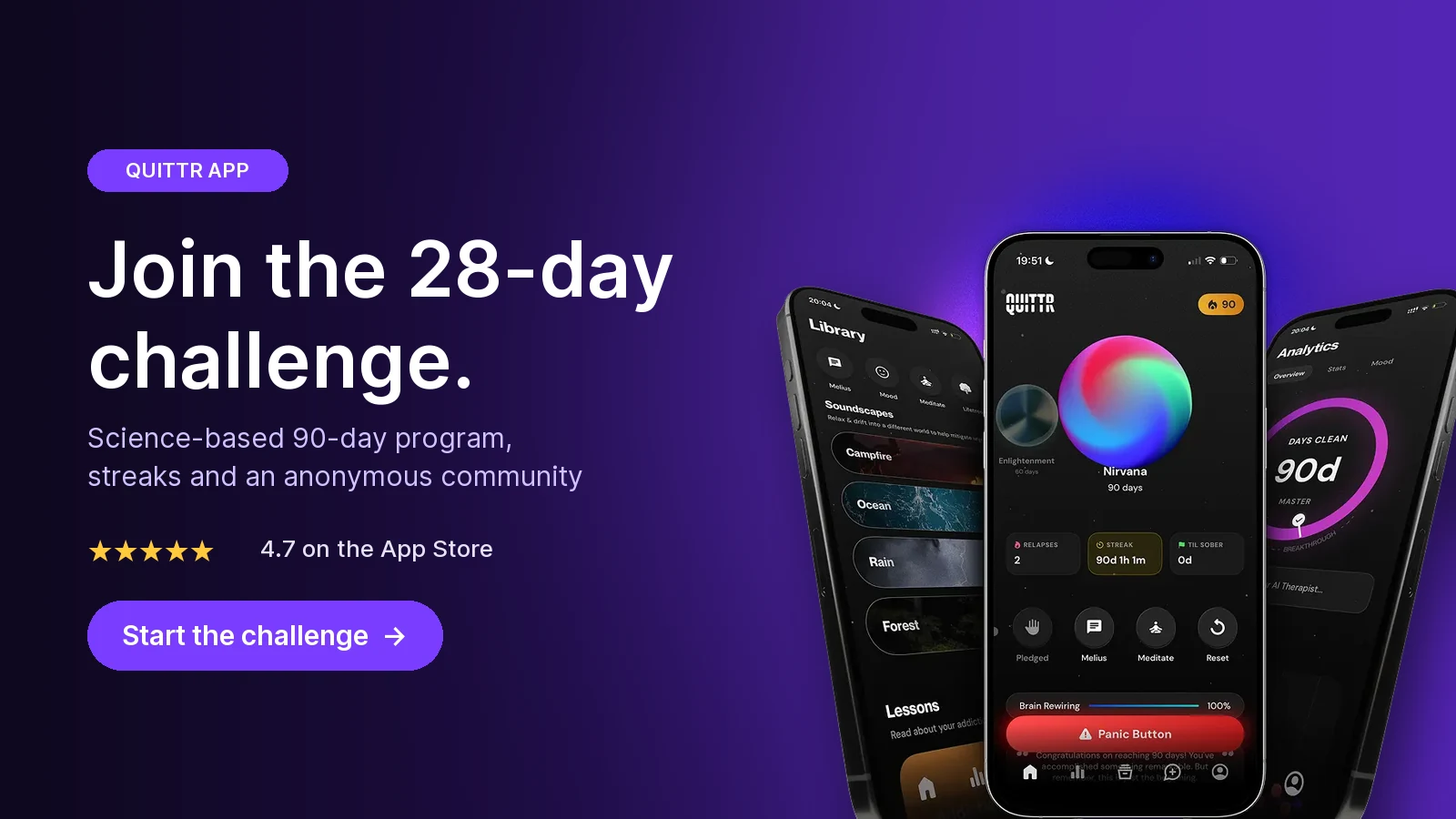
Join the 28-day challenge. Get QUITTR on the App Store or Google Play → · Learn more about QUITTR
Related articles
QUITTR vs Ever Accountable (2026): Honest Review and Verdict
Canopy vs Covenant Eyes (2026): Which Porn Blocker App Wins?
Frequently Asked Questions
Is Accountable2You better than Covenant Eyes?
It's better for some people. Accountable2You is cheaper for one person ($11 a month vs $18 as of October 2026) and runs on Linux and Chromebook, but it only logs activity and never blocks anything. Covenant Eyes costs more but adds blurred screenshots and porn blocking, and one plan covers up to 10 family members.
How much does Accountable2You cost?
As of October 2026, Accountable2You's website lists the Personal plan at $11 a month or $121 a year for up to 6 active installs, and the Family plan at $16 a month or $176 a year for up to 20 installs. There's a 10-day free trial. The iPhone app's in-app monthly plan is listed at $14.99, so buying on the web is cheaper.
Does Accountable2You block porn?
No. Accountable2You says it monitors activity without blocking content. It logs websites and apps, rates them for questionable content and alerts your partners. If you want blocking too, pair it with your phone's built-in limits or a separate filter, or choose Covenant Eyes, which includes blocking.
Can Accountable2You and Covenant Eyes see incognito mode?
Accountable2You's help center lists incognito and private browsing as covered on every platform it supports. Covenant Eyes says it can't take screenshots in incognito or private mode on Android, but it notifies your ally when those modes are used.
Does Covenant Eyes work on Chromebook or Linux?
No. Covenant Eyes says Screen Accountability isn't available on Chromebooks, Kindle Fires or smart TVs, and it lists only iOS, Android, Mac and Windows. Accountable2You supports both Chromebook (Chrome browser only) and Linux, which is one of the main reasons people choose it.
Which is better on iPhone, Accountable2You or Covenant Eyes?
Neither sees everything, because Apple limits what one app can watch inside another. Accountable2You logs page titles in any browser but can't reliably see inside non-browser apps. Covenant Eyes takes screenshots in Safari only but can detect and block explicit domains in other apps. Both recommend adding iOS Screen Time restrictions.