Best Porn Accountability Apps in 2026 (Honest Comparison)
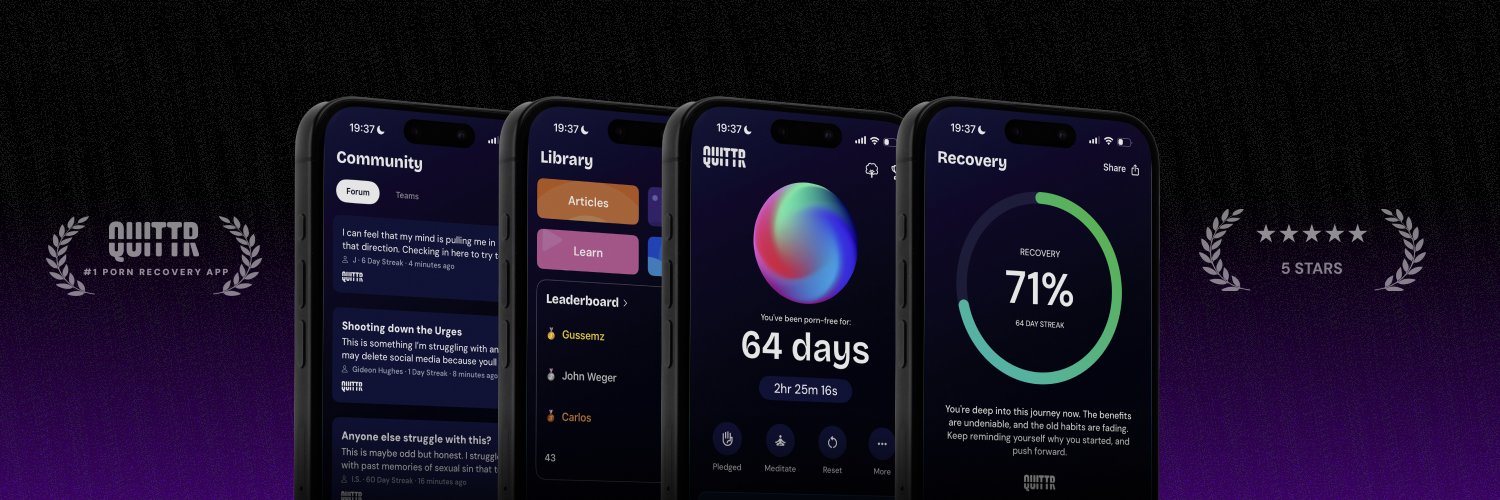
The best porn accountability software in 2026 depends on what you want accountability to do. If you have a spouse, mentor or pastor who will actually read reports, Covenant Eyes, Ever Accountable and Accountable2You are the strongest monitoring tools. If you want to quit without anyone watching your screen, QUITTR takes a different approach: blocking plus help during the urge itself, and accountability through an anonymous community.
Below you'll get eight apps ranked and reviewed, with prices checked on official pages in October 2026. You'll also see a price table, how monitoring really works on iPhone versus Android, the privacy trade-offs, a "how to choose" table and the free options.
Best Porn Accountability Apps: The Quick Ranking

"Accountability app" covers three different ideas, and most roundups mix them up:
Monitoring apps record what you view and send reports to a partner. Covenant Eyes, Ever Accountable, Accountable2You and Truple work this way.
Gatekeeper filters block content and make a partner approve changes or get alerts when you try to remove them. Canopy and BlockerX fit here.
Intervention and peer-support apps work on the urge and on your routine, with people supporting you instead of reading your history. QUITTR and Relay are in this group.
We put QUITTR first because, for most people trying to quit on their own, the hardest moment is the urge itself, not the report the next day. That's an honest framing, not a monitoring claim: QUITTR doesn't take screenshots or send activity reports. If monitoring is exactly what you need, skip to Covenant Eyes or Ever Accountable.
QUITTR
Model: Intervention + anonymous community
Platforms: iOS, Android, Chrome
Best for: Quitting without being monitored
Covenant Eyes
Model: Blurred screenshots + ally reports
Platforms: iOS, Android, Mac, Windows
Best for: Families and faith-based accountability
Ever Accountable
Model: Activity reports + optional screenshots
Platforms: iOS, Android, Windows, Mac, Chromebook, Kindle Fire
Best for: Deepest monitoring on iPhone
Accountable2You
Model: Activity logs, no blocking
Platforms: Windows, Mac, Android, iOS, Chromebook, Linux
Best for: Budget monitoring, Linux users
Canopy
Model: AI filter + Ally approves changes
Platforms: iOS, Android, Mac, Windows, Chromebook
Best for: Strict filter with a gatekeeper
BlockerX
Model: Filter + partner alerts
Platforms: Android, iOS, Windows, macOS, Chrome
Best for: Filter-first users on a computer
Relay
Model: Small peer group, no blocker
Platforms: iOS, Android, web
Best for: People who need human connection
Truple
Model: Random screenshots
Platforms: Android, iOS, Windows, Mac, Chrome OS, Linux, Kindle Fire
Best for: Households with many devices
The 8 Best Porn Accountability Apps, Reviewed

Prices are from each company's official site as of October 2026. App store prices often differ, so check the screen before you pay.
1. QUITTR: best for quitting without being monitored
What it does. QUITTR is a gamified recovery app built around a 90-day program and cognitive-behavioral tools. Its Content Blocker filters adult sites, risky searches, porn URLs and inappropriate ads across your phone's browsers. When an urge hits, the Panic Button starts distractions, breathing exercises and motivational messages, and Melius, an AI therapist, offers private support 24/7.
How accountability works. Instead of a partner reading your history, QUITTR uses an anonymous community: a forum, daily check-ins, challenges, private groups called "clans" and leaderboards. A streak tracker and a Life Tree that grows with your streak make progress visible.
Platforms: iOS, Android and a Chrome extension.
Price: subscription, about $9.99–$14.99 a month depending on plan and discounts; annual and lifetime plans exist (check the app for current pricing).
Who it's for: adults and older teens who have decided to quit and relapse alone, fast, often late at night.
Real limitation: no screen monitoring and no reports to a spouse. If someone has asked to see your activity, QUITTR alone won't give them that. It also covers computers only through Chrome, and there's no free tier.
“The community part surprised me the most. It helps knowing other guys are going through the same thing and making progress too.” — Connor
2. Covenant Eyes: best for families and faith-based accountability
What it does. Covenant Eyes, now sold as Victory, takes periodic screenshots, blurs them, flags likely explicit content and reports to an "ally" you invite. It also blocks explicit domains. Its community and courses are openly Christian.
Platforms: iOS 15.1+, Android 11+, Mac 11+ and Windows 10+, per its pricing page. Screen Accountability isn't available on Chromebooks, Kindle Fire or smart TVs.
Price: $18 a month, $198 a year or $850 lifetime on the web. Every plan covers unlimited devices for up to 10 people in one family.
Who it's for: married couples rebuilding trust, men working with a pastor or mentor, and families who want one plan for everyone.
Real limitation: on iPhone, screenshots go to your ally from Safari only. It's also the most expensive option here for a single person.
We cover the trial, refund fine print and user complaints in our QUITTR vs Covenant Eyes comparison.
3. Ever Accountable: best monitoring coverage on iPhone
What it does. Ever Accountable sends weekly reports of your activity to one or more partners, with flagged content first, instant alerts and optional screenshots (blurred or unblurred). Blocking is available but off by default.
Platforms: iPhone and iPad, Android, Windows, Mac, Chromebook and Kindle Fire.
Price: $14.99 a month or $129 a year on its pricing page, for one reporting user with unlimited devices and partners, after a 14-day free trial. Optional coaching costs extra.
Who it's for: people who want a partner to see in-app activity on an iPhone, not just Safari.
Real limitation: that iPhone coverage comes with friction. Ever Accountable's iOS help article explains that seeing inside apps requires Screen Broadcasting, with protected apps locked until you start it. Reviewers complain about apps re-locking and over-flagging.
Full details are in our QUITTR vs Ever Accountable review.
4. Accountable2You: best budget monitoring
What it does. Accountable2You logs websites, searches and apps, flags objectionable content and alerts your partners in real time. It doesn't block anything by design. You can add custom trigger words.
Platforms: Windows, Mac, Android, iOS, Chromebook and Linux.
Price: Personal is $11 a month or $121 a year for up to 6 active installs. Family is $16 a month or $176 a year for up to 20, per its pricing page. There's a 10-day free trial and unlimited partners.
Who it's for: people on a budget, mixed-device households and Linux users.
Real limitation: iPhone coverage is thin. Its iOS page says its VPN technology records activity in Safari, Chrome and other browsers, but that it "cannot reliably monitor activity inside non-browser apps," including social media. The iPhone app had 3.7 stars from 256 ratings on the App Store when we checked.
5. Canopy: best strict filter with a gatekeeper
What it does. Canopy is mainly an AI content filter and parental-control app. It blocks porn sites and strips explicit images from mixed sites as they load. For adults, its Ally feature is the accountability layer: a human Ally approves or denies your requests to lower protection, or an AI Ally reviews them against goals you set.
Platforms: Android, iPhone and iPad, Mac, Windows (not ARM-based PCs) and Chromebook.
Price: billed annually, $8.33 a month for 1 device, $9.99 for up to 3 and $12.50 for up to 10, per its pricing page. There's a 7-day free trial and a 30-day money-back guarantee.
Who it's for: parents, and adults who want someone else to hold the keys to their filter.
Real limitation: your Ally approves settings, but doesn't get a report of what you viewed. Users also report over-blocking and slowdowns, and Canopy itself says it isn't therapy.
More in our QUITTR vs Canopy review.
6. BlockerX: best for filter-first users on a computer
What it does. BlockerX is a content blocker first. Its premium "buddy system" makes it hard to turn off the blocker or uninstall the app. When we reviewed it, its official pages and store listings said a partner gets daily browsing reports and alerts if you uninstall it or switch off its VPN. It also has a "panic switch" that cuts all internet access.
Platforms: Android, iOS, Windows, macOS and a Chrome extension.
Price: $109.96 a year with a 1-day free trial, or $199.97 lifetime with a 3-day money-back guarantee, on its premium page. App Store prices are different and higher for monthly plans.
Who it's for: people who mainly want a strict filter on Windows or Mac, with a partner on alert.
Real limitation: its store privacy labels list some data as "Data Used to Track You," and reviewers complain about aggressive upselling. We break that down in our QUITTR vs BlockerX review.
7. Relay: best for human, group accountability
What it does. Relay pairs you with "a small group of men chasing the same goal," according to its homepage, with daily check-ins, urge logging, lessons and win tracking. Relay also runs groups for women. It has no blocker or monitoring.
Platforms: iPhone, Android and a web sign-up flow.
Price: $149 a year, billed annually, with a 7-day free trial and a 30-day money-back guarantee.
Who it's for: people who have tried solo tools and are missing real people who know their struggle.
Real limitation: nothing stops the first click, so you need a separate blocker. If your group goes quiet, so does your accountability. See our QUITTR vs Relay comparison.
8. Truple: best for households with many devices
What it does. Truple takes screenshots at random intervals and sends them to your accountability partners. According to its pricing page, you set the average gap between 30 seconds and 5 minutes. High-risk screenshots get a red border, and you can limit partners to high-risk screenshots only. Filtering is optional.
Platforms: Android 7+, Windows 7–11, Mac, Chrome OS, Linux, iPhone and iPad, and Kindle Fire. Not every feature works on every platform.
Price: $16 a month or $160 a year ($13.33 a month) for all devices in one household, starting at 15 devices. There's a 30-day money-back guarantee. We saw no free trial listed.
Who it's for: households that want screenshot accountability on lots of device types, including Linux and Kindle.
Real limitation: iPhone. Truple's features page says platform limits are "especially true and problematic for iOS" and recommends switching to Android for solid accountability.
Porn Accountability App Prices Compared (October 2026)
All figures come from official websites, checked October 17, 2026. QUITTR's figure is QUITTR's own published range.
~$10–$15/mo — QUITTR
$11/mo — Accountable2You Personal
$14.99/mo — Ever Accountable
$16/mo — Truple (household)
$18/mo — Covenant Eyes (10 people)
$8.33/mo — Canopy, 1 device (billed yearly)
$109.96/yr — BlockerX
$121/yr — Accountable2You Personal
$129/yr — Ever Accountable
$149/yr — Relay
$160/yr — Truple (household)
$198/yr — Covenant Eyes (10 people)
Two patterns stand out. For one person, Covenant Eyes is the priciest monitoring option. For a whole family, its 10-person plan and Truple's household plan get cheap per head.
Trials vary a lot, from BlockerX's 1 day to Ever Accountable's 14 days. Refund rules also differ when you pay inside the App Store or Google Play, where refunds usually go through the store, so read the terms on the checkout screen.
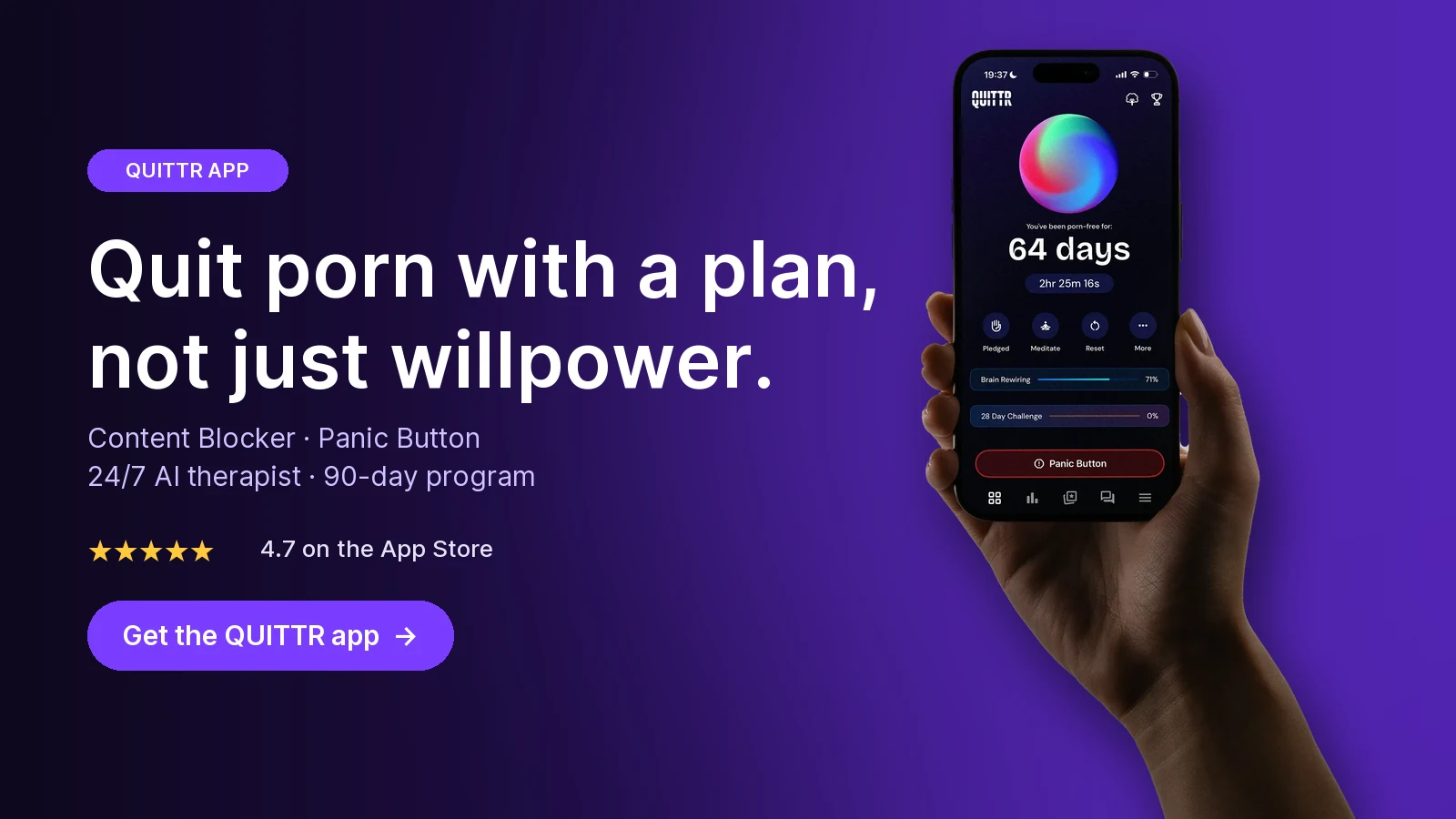
Ready to quit with a plan? Download QUITTR for iPhone or Android → · See how the app works
How Accountability Apps Work on iPhone vs Android

The same app can be strong on Android and weak on iPhone. That's not a vendor quirk. It comes from what each operating system lets one app see.
iPhone: four workarounds, each with gaps
Apple tightly limits what one app can see of another, and even its official content-filter tools are restricted. Apple's technical note TN3134 lists content filter providers for supervised devices, managed devices, or apps using Screen Time APIs. In the Screen Time case, content filters only work on child devices: an under-18 member of an iCloud family, authorized by a parent.
A typical adult's own iPhone is none of those things. So iPhone accountability apps use one of these routes:
Safari only. Covenant Eyes sends screenshots to your ally from Safari only. Use another browser or an app and it has much less to report.
VPN-based logging. Accountable2You routes browser traffic through a VPN configuration. It works across browsers, but the company says it can't reliably see inside non-browser apps.
Screen Broadcasting. Ever Accountable uses iOS screen broadcasting to capture what's on screen inside apps. That's the deepest coverage, but it means locked apps and an active broadcast session.
Device management profiles. Canopy installs a management profile you approve in Settings. Our Canopy review covers that setup.
Whichever route an app uses, close the obvious gaps. Turn on Screen Time's adult-site limit, block new app installs if unmonitored apps tempt you, and let someone else set the passcode.
Android: deeper access, more permissions
Android allows much more, which is why Truple recommends it for "solid accountability." Covenant Eyes' Android app, for example, says it relies on three system features, as we noted in our Covenant Eyes comparison:
Accessibility Service, an Android permission that lets an app read what's on screen. That's what makes screenshots and app-by-app tracking possible.
A VPN service, which routes traffic through the app so it can filter domains.
Device Administrator permission, which makes the app harder to remove.
Two practical facts from Android's VPN documentation: only one VPN service can be active per user or profile, and starting a new one stops the existing one. You'll also see a key icon in the status bar whenever a VPN is active. So if you run two VPN-based filters, or a filter plus a regular VPN, one of them is quietly off. Test your setup after every install.
What this means for you
Safari on iPhone: Every monitoring app here covers it
Social apps on iPhone: Only screen broadcasting (Ever Accountable) reaches inside apps; otherwise block the apps with Screen Time
Any app on Android: Accessibility-based tools see the most; expect more permissions and a persistent notification
A Windows or Mac computer: Covenant Eyes, Ever Accountable, Accountable2You, BlockerX and Truple all have desktop apps
A Chromebook or Linux laptop: Accountable2You and Truple list both; Ever Accountable covers Chromebook
Privacy: What You Agree To With Accountability Software

Monitoring apps work by collecting the most sensitive data on your phone. That's the point, but it's worth choosing deliberately.
Decide who sees what. Some apps let you limit what partners see. Truple lets you send only high-risk screenshots. Per our earlier reviews, Ever Accountable offers blurred or unblurred screenshots and a limited-sharing mode, and Covenant Eyes blurs screenshots before upload. Pick the least revealing setting that still keeps you honest.
Read the store privacy labels. They differ more than you'd expect. In our reviews, BlockerX listed some purchase, identifier and usage data as used to track you. Covenant Eyes and Ever Accountable listed browsing history as data linked to your identity, which is how monitoring works.
Expect visible signals on Android. Android's documentation says VPN apps should show a non-dismissible notification while active. If a persistent "you're being monitored" notice bothers you, choose a model that doesn't need one.
Only monitor yourself, with your knowledge. These tools are built for consenting adults and for parents of minors. Secretly installing one on a spouse's phone isn't accountability. It's surveillance, and it destroys the trust you're trying to rebuild.
Ask four questions before you pay:
Are screenshots blurred, and who can turn blurring off?
How long are screenshots and logs kept?
Can I delete my data when I leave?
Does my partner get alerts only, or my full history?
There's also a human side. Accountability works when the partner responds with calm support, not suspicion. If reports turn every week into an interrogation, a model without monitoring may serve you better.
How to Choose the Right Accountability App
Start with the situation, not the feature list.
Your spouse has asked to see your activity: Covenant Eyes or Ever Accountable, with reports you review together
You relapse alone at night, and nobody needs to see reports: QUITTR, for blocking plus Panic Button and Melius during the urge
You mainly slip on social apps on an iPhone: Ever Accountable's screen broadcasting, or block those apps entirely
You want monitoring on a tight budget: Accountable2You Personal at $11/month
You want someone else to control your filter: Canopy with a human Ally
Your weak spot is a Windows or Mac computer: BlockerX for blocking, or Covenant Eyes for screenshots
You're missing real people who get it: Relay's small groups, ideally plus a blocker
You're protecting a whole household: Covenant Eyes (10 people) or Truple (household plan)
Your church or men's group wants a Christian program: Covenant Eyes; Ever Accountable and Accountable2You are also faith-friendly
Many people end up combining two tools: one for transparency and one for the moment of the urge. If you do, give each app one job, keep one main filter per device, and pick one app as your official streak counter.
Is There a Free Accountability App?

Not a complete one. Every monitoring app in this list needs a paid plan after its trial. As our Covenant Eyes comparison found, its companion Victory app has some free basics like check-ins and mini-courses, but blocking and reports to an ally are paid.
You can still build free accountability yourself, because the real power of accountability software is that someone else holds the keys. Here's a no-cost version:
Turn on built-in limits. On iPhone, use Screen Time's Limit Adult Websites. On Android, set Private DNS to a family filter.
Add a family DNS filter on your router, so every device on your Wi-Fi is covered.
Give away the passwords. Have a friend, mentor or partner set your Screen Time passcode and router admin password while you look away.
Agree on a check-in. A weekly text or call about how the week went replaces the report.
Test it monthly. Try a known adult domain on Wi-Fi and mobile data, then fix any gap the same day.
Our guide to the best free porn blocker has the exact DNS addresses and settings paths for iPhone, Android, Windows and routers.
The trade-off: free setups don't send alerts, don't capture private browsing, and don't help during an urge. If you keep switching them off, that's a sign you need support with the craving itself, not a stronger lock.
Do Porn Accountability Apps Actually Work?

Be skeptical of every company's numbers, including the ones in app stores. A 2022 content analysis in JMIR Formative Research reviewed 170 apps for problematic pornography use and found none citing empirical evidence for their effectiveness and safety. About 30% offered accountability partners or communities, and about 27% offered blocking or monitoring. The authors noted that blockers can often be switched off or bypassed, and that not everyone is willing to share private browsing even with a trusted friend.
That doesn't mean these apps are useless. It means none of them is a cure, and the person matters as much as the software. An app adds friction and honesty. A plan for urges, real people and, when porn use is seriously hurting your life, a licensed therapist do the rest.
Key takeaways
Accountability apps follow three models: monitoring and reports (Covenant Eyes, Ever Accountable, Accountable2You, Truple), gatekeeper filters (Canopy, BlockerX) and intervention or peer support (QUITTR, Relay).
As of October 2026, monitoring costs from $11/month (Accountable2You) to $18/month (Covenant Eyes, which covers up to 10 people).
iPhone limits every monitoring app: Covenant Eyes screenshots Safari only, Accountable2You can't reliably see inside apps, and Ever Accountable needs screen broadcasting.
There's no full free accountability app, but built-in limits plus a friend holding your passcodes gets you surprisingly far.
If your relapses start with an urge you can't ride out, help in the moment matters more than a report the next day.
How QUITTR Can Help
If you want accountability without someone reviewing your screen, QUITTR is built for the moment that matters. Its Content Blocker filters adult sites, risky search terms, porn URLs and inappropriate ads across your phone's browsers. When an urge hits, the Panic Button starts breathing exercises, distractions and motivational messages, and Melius, the AI therapist, is there 24/7 to help you name the trigger or regroup after a slip.
For accountability, the anonymous community gives you daily check-ins, challenges and private clans, while a personalized 90-day plan and streak tracker keep you moving. QUITTR is subscription-based (about $9.99–$14.99 a month; check the app for current pricing) and runs on iOS, Android and Chrome. Download QUITTR to start your plan.
“Seeing the streak grow every day is way more motivating than I expected. It makes you think twice before ruining the progress.” — Dylan
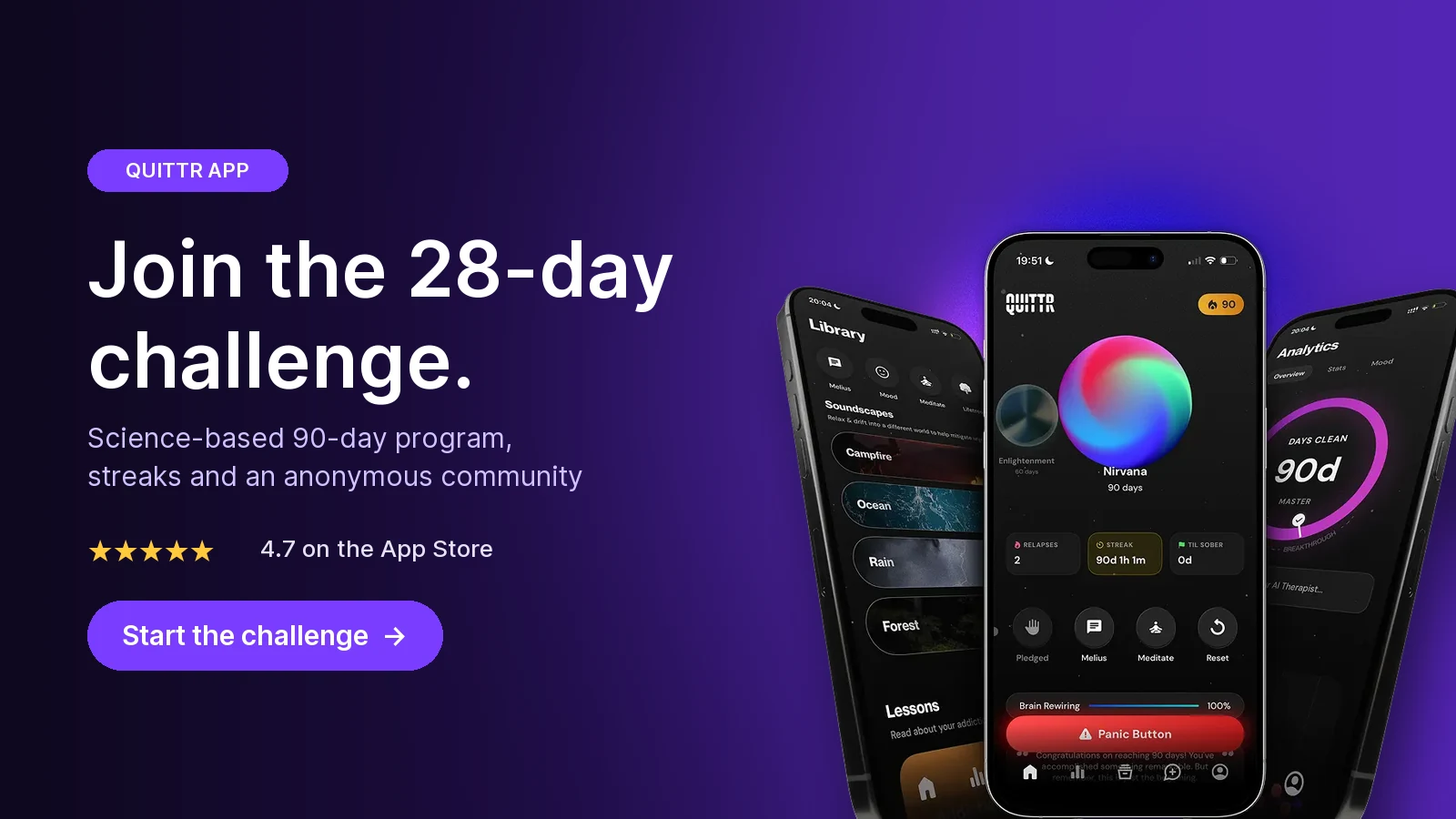
Join the 28-day challenge. Get QUITTR on the App Store or Google Play → · Learn more about QUITTR
Related articles
QUITTR vs Canopy (2026): Canopy Review and Honest Comparison
Canopy vs Covenant Eyes (2026): Which Porn Blocker App Wins?
Frequently Asked Questions
What is the best porn accountability app?
It depends on what you need. If you have a spouse or mentor who will read reports, Covenant Eyes, Ever Accountable and Accountable2You are the main monitoring options. If you want to quit without anyone reviewing your screen, an intervention app like QUITTR, with a blocker, Panic Button, AI therapist and anonymous community, is usually the better fit.
Is there a free accountability app for porn?
Not a full one. Every monitoring app we checked in October 2026 needs a paid plan after a trial. A free alternative is to turn on your phone's built-in adult-site limits and a family DNS filter, then let a trusted friend hold the Screen Time passcode and router password.
What is the best accountability software for iPhone?
No app sees everything on an iPhone, because Apple restricts what one app can watch in another. Ever Accountable reaches inside apps through iOS Screen Broadcasting. Covenant Eyes takes screenshots only in Safari, and Accountable2You logs browser activity but says it can't reliably monitor non-browser apps.
Can accountability apps see incognito mode?
Usually, yes, at least partly. Accountable2You says it records private browsing like normal browsing. Covenant Eyes can't take screenshots in incognito on Android but notifies your ally when it's used. Coverage differs by app and device, so test yours.
What are the best Covenant Eyes alternatives?
For similar screen accountability at a lower price, look at Ever Accountable ($14.99/month) or Accountable2You ($11/month), as of October 2026. Truple suits households that want random screenshots on many devices. If what you really need is help during urges, a recovery app like QUITTR is a different kind of alternative.
Do porn accountability apps actually work?
There's no independent proof yet. A 2022 review of 170 apps for problematic porn use found none citing empirical evidence that they work. Accountability apps can add useful friction and honesty, especially with an engaged partner, but they work best alongside a plan for urges and, where needed, a therapist.